
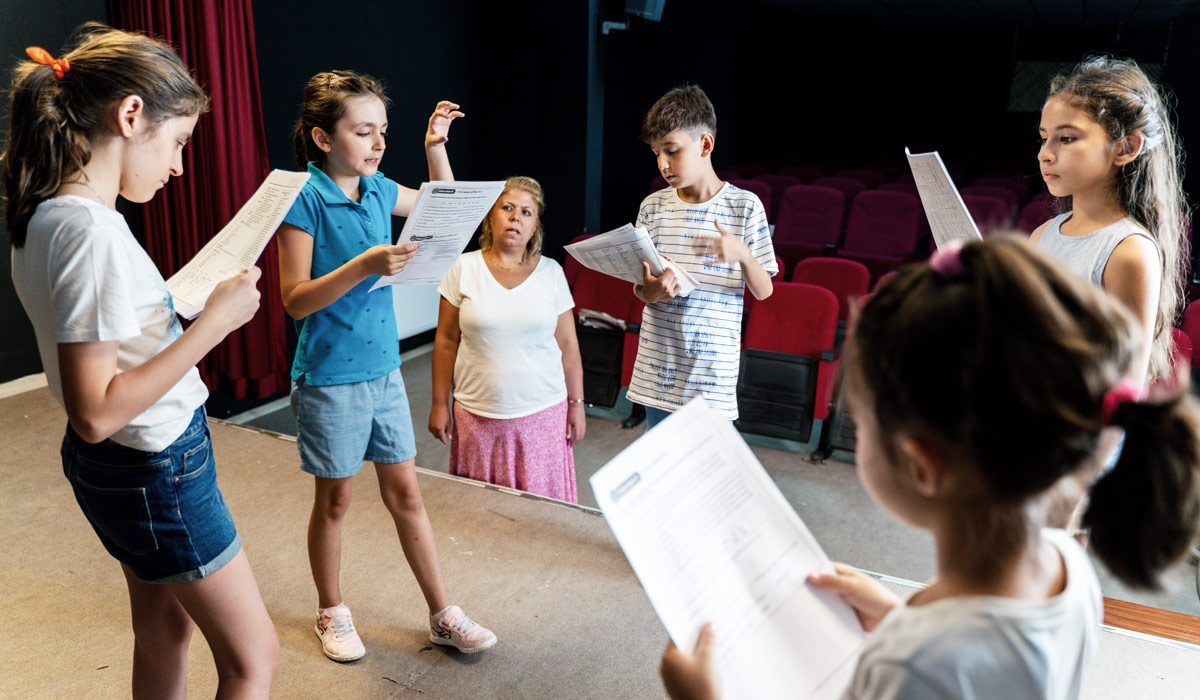
Running classes for an arts organization or nonprofit is incredibly rewarding—but managing registrations can quickly become overwhelming without the right tools. Between juggling enrollments, payments, waivers, reminders, and waitlists, many organizations find themselves stuck with spreadsheets, email chains, and manual work that steals time from their actual mission.
That’s where modern class registration software comes in.
But not all platforms are created equal—especially when it comes to the unique needs of arts and nonprofit programs. Whether you run pottery classes, theater workshops, music lessons, kids’ camps, or community education programs, choosing the right system can make or break your operations.
In this guide, we’ll walk through 10 must-have class registration features every arts organization and nonprofit should look for—and how ClassDuo delivers all of them in one streamlined platform.
1. Easy Online Class Registration (For Humans, Not Robots)
At the heart of any good nonprofit registration system is a clean, intuitive registration experience. If participants struggle to sign up, abandon the process, or get confused, you’ll see lower enrollment and more support emails.
A modern registration system should:
- Work seamlessly on desktop and mobile
- Require minimal steps to complete registration
- Clearly show class details, dates, pricing, and availability
- Allow multiple participants to be registered at once (especially for families)
Arts organizations often serve a wide range of ages and tech comfort levels. Simple, user-friendly design isn’t a “nice to have”—it’s essential.
ClassDuo prioritizes clarity and ease of use so participants can register confidently without needing help.
2. Flexible Class Scheduling & Session Management
Arts and nonprofit programs rarely follow a one-size-fits-all schedule. You may offer:
- Multi-week courses
- Single-day workshops
- Drop-in sessions
- Seasonal programs
- Ongoing open studio time
Your arts class software should support all of these formats without workarounds.
Key scheduling features include:
- Start and end dates
- Multiple meeting times
- Capacity limits per class or session
- Instructor assignments
- Automatic cutoff dates for registration
ClassDuo is built specifically for programs that offer diverse class formats, making it easy to manage everything from a one-night workshop to a 10-week course.
3. Built-In Waitlists That Actually Work
Waitlists are one of the most overlooked—but most powerful—class registration features.
Without a proper waitlist system, staff often end up manually tracking interested participants and emailing people one by one when a spot opens up.
A strong waitlist feature should:
- Automatically activate when a class fills up
- Track people in order
- Allow the participant to register even though the class is closed to the public
ClassDuo handles your class waitlists, helping you maximize enrollment while minimizing admin work.
4. Digital Waivers & Liability Forms
For arts and nonprofit programs—especially those involving tools, equipment, children, or physical activity—waivers are non-negotiable.
Your nonprofit registration system should support:
- Digital waiver agreements during registration
- Separate waivers for adults and minors
- Storage of waiver agreements for future reference
- Reuse of waivers across multiple classes
Paper waivers get lost. Email PDFs get forgotten. Digital waivers streamline the process and protect your organization.
ClassDuo makes waivers a seamless part of the registration flow, so nothing slips through the cracks.
5. Automated Email Reminders
No-shows and late cancellations are costly for arts programs. One of the simplest ways to reduce them is through automated reminders.
Look for class registration software that includes:
- Registration confirmation emails
- Reminder emails before the class starts
- Follow-up messages after the class
With ClassDuo, reminders are automatic—saving staff time while improving attendance and participant satisfaction.
6. Discount and Coupon Codes
Arts and nonprofit organizations often need flexible pricing to stay accessible while remaining financially sustainable.
Essential pricing features include:
- Discount codes (percent or flat-rate)
- The ability to limit how many times a discount code can be used or what group can use it
- Special pricing for members or returning students
ClassDuo supports flexible pricing models that align with nonprofit values—without requiring complicated setups.
7. Secure Online Payments & Simple Refunds
A modern arts class software platform must handle payments smoothly and securely.
Key payment features include:
- Credit/debit card payments
- Automatic receipts
- Partial or full refunds
- Clear financial reporting
Manual invoicing and check tracking cost time and introduce errors. ClassDuo simplifies payment collection while keeping finances transparent and organized.
8. Custom Registration Questions & Forms
Every program collects different information. A pottery studio may need clay experience levels, while a youth arts nonprofit may need emergency contacts and allergy details.
Your system should allow:
- Custom registration questions
- Required vs optional fields
- Different field types, dropdowns, checkboxes, short open fields or long open fields
ClassDuo gives organizations full control over what information they collect—without overwhelming registrants.
9. Participant & Instructor Management Tools
Once people register, the real work begins.
Strong class registration software should include:
- Participant rosters
- Instructor assignments
- Attendance tracking
- Contact info in one place
- Easy exports for reporting
Instead of juggling spreadsheets and emails, ClassDuo centralizes everything so staff and instructors stay aligned.
10. Clear Reporting & Insights for Nonprofits
Nonprofits and arts organizations need data—not just for internal planning, but often for grants, boards, and funders.
Look for reporting features that show:
- Enrollment trends
- Revenue by class or program
- Attendance rates
- Waitlist demand
ClassDuo provides clear, actionable insights to help organizations grow sustainably and make informed decisions.
Why ClassDuo Is Built for Arts & Nonprofit Programs
Many generic registration platforms try to serve everyone—and end up serving no one particularly well.
ClassDuo is purpose-built for:
- Arts organizations
- Community education programs
- Nonprofits and mission-driven groups
- Studios, workshops, and camps
Instead of forcing you to adapt your workflow to the software, ClassDuo adapts to how arts and nonprofit programs actually operate.
Choosing the Right Class Registration Software
The right class registration features can dramatically reduce admin time, improve participant experience, and help your organization focus on what matters most—your mission and your community.
When evaluating arts class software or a nonprofit registration system, make sure it includes:
- Online registration
- Flexible scheduling
- Waitlists
- Waivers
- Reminders
- Discounting tools
- Secure payments
- Custom forms
- Participant management
- Clear reporting
ClassDuo delivers all of these features in one simple, modern platform—designed specifically for arts and nonprofit programs.
If you’re ready to stop wrestling with spreadsheets and start running registrations with confidence, ClassDuo is built for you.